One phone photo.A full shoot on a model.
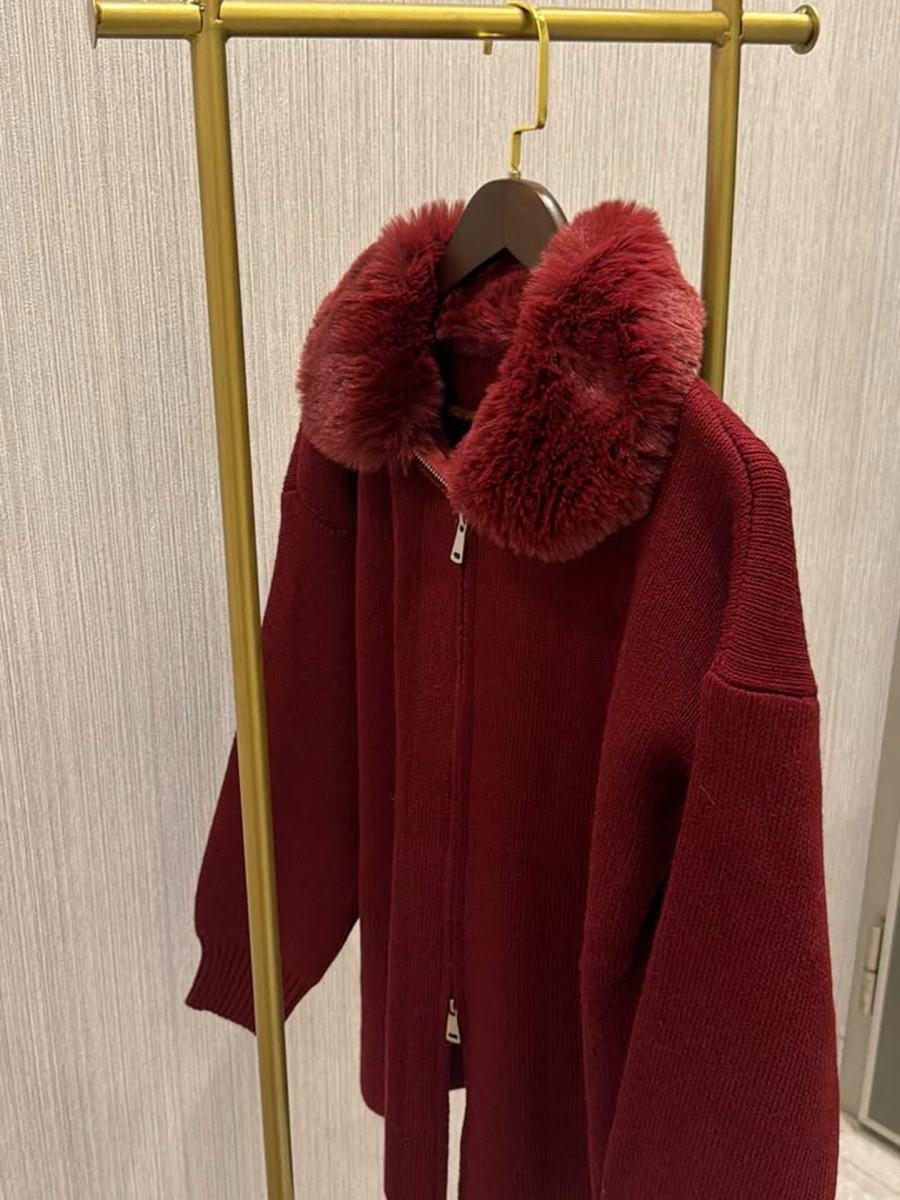
Photograph a piece on its hanger with your phone. Sartorio puts it on a model in the scenes you pick, ready to post the day the stock arrives.
On the web you buy credits as you go, from $5.99. See plans. On iPhone your first 2 photos are free.
 Your photoStudio, on model
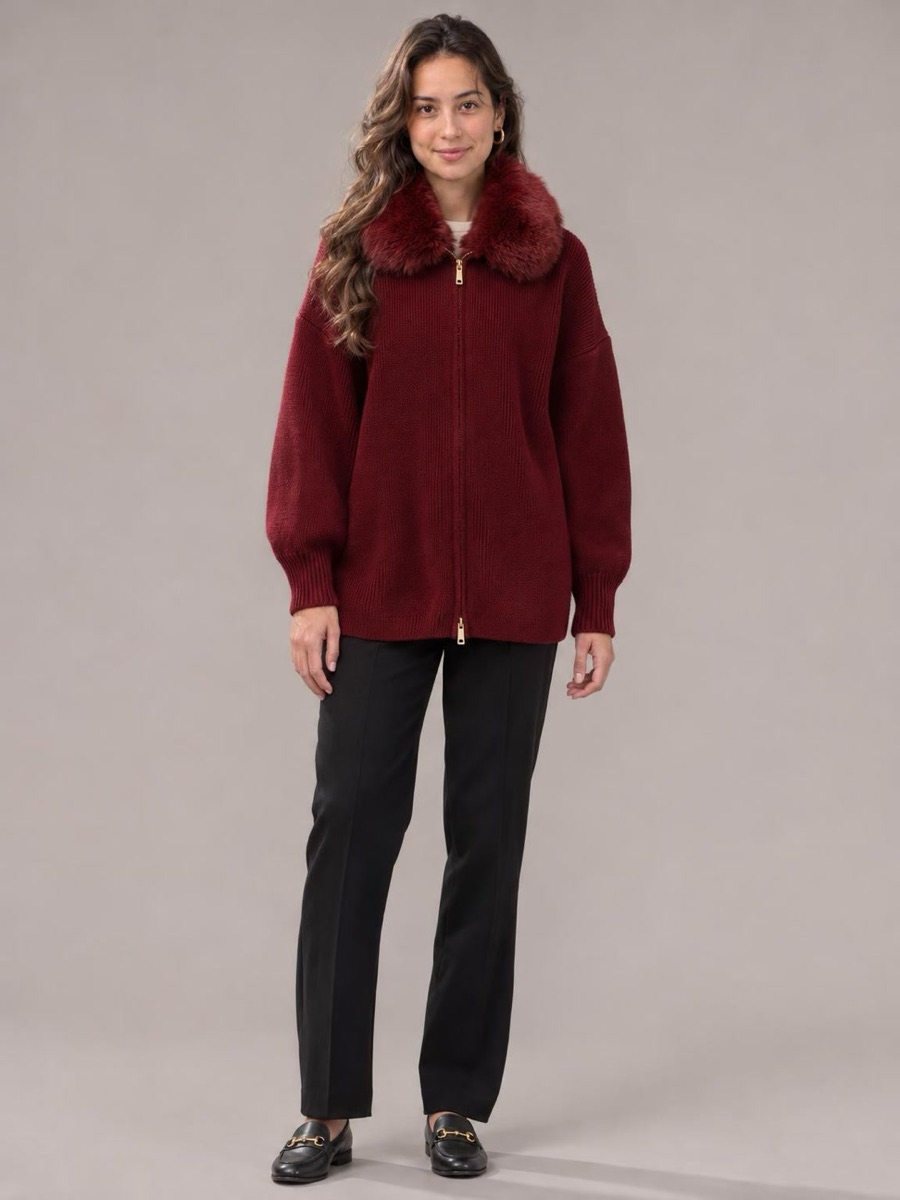
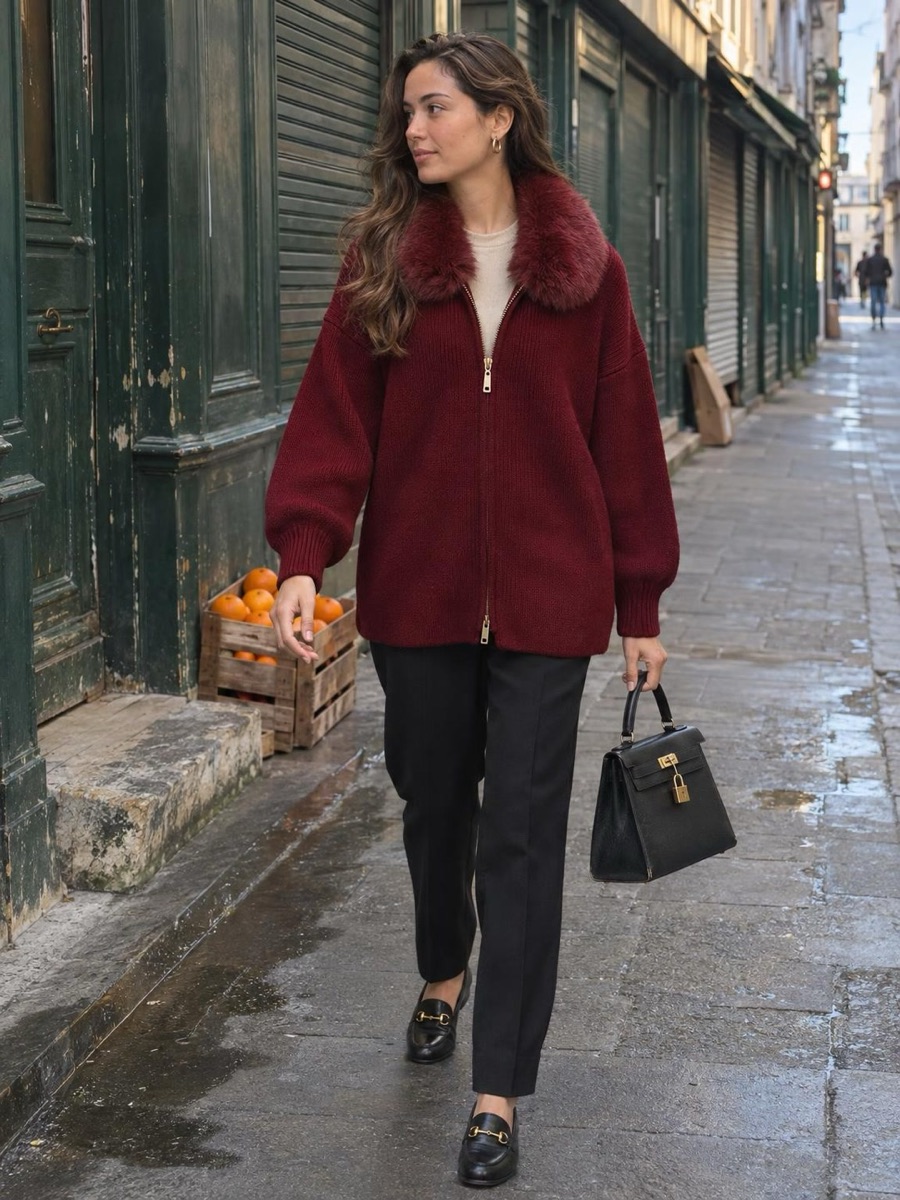
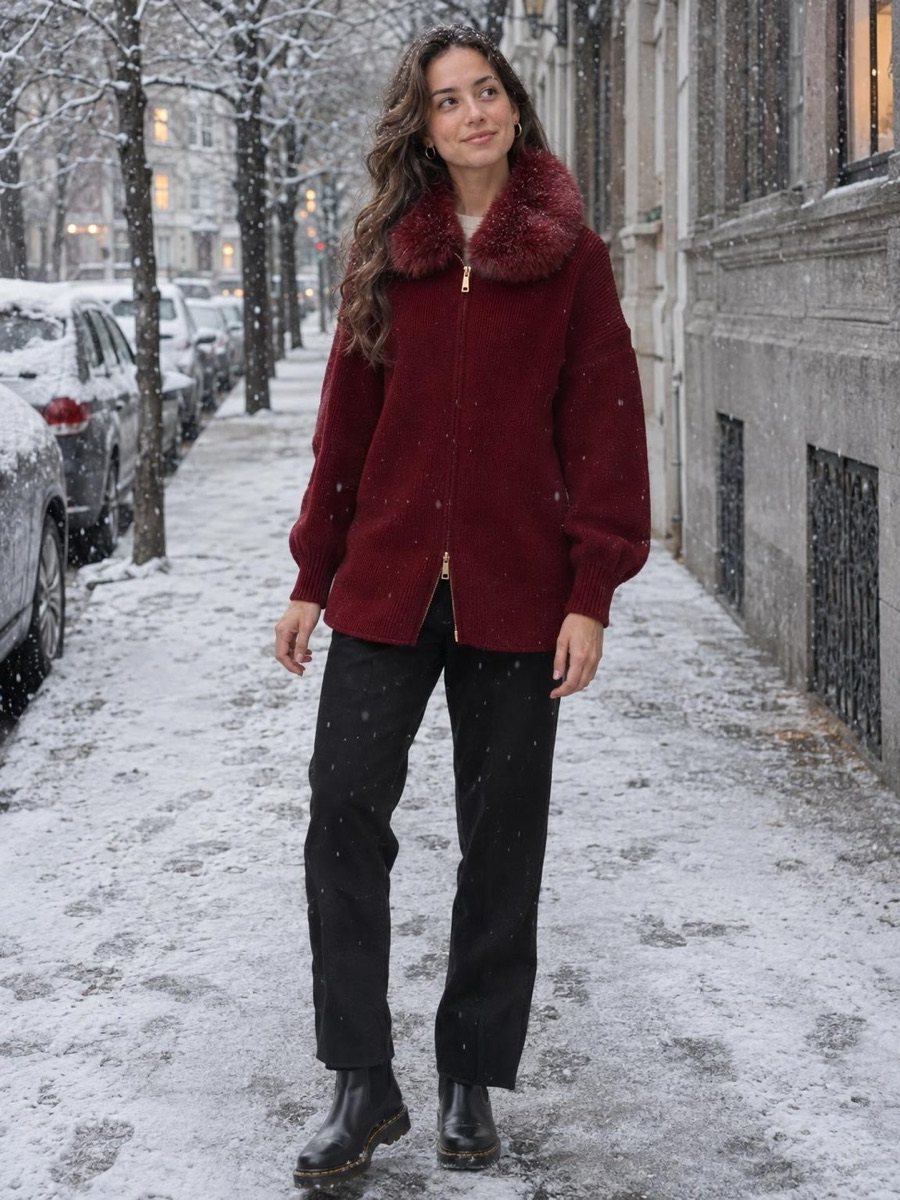
Real output. Each on-model photo was made in Sartorio from the one phone photo shown.
One photo in, a set out.
Same garment, same model, a different scene in every frame. Pick up to four scenes per shoot.
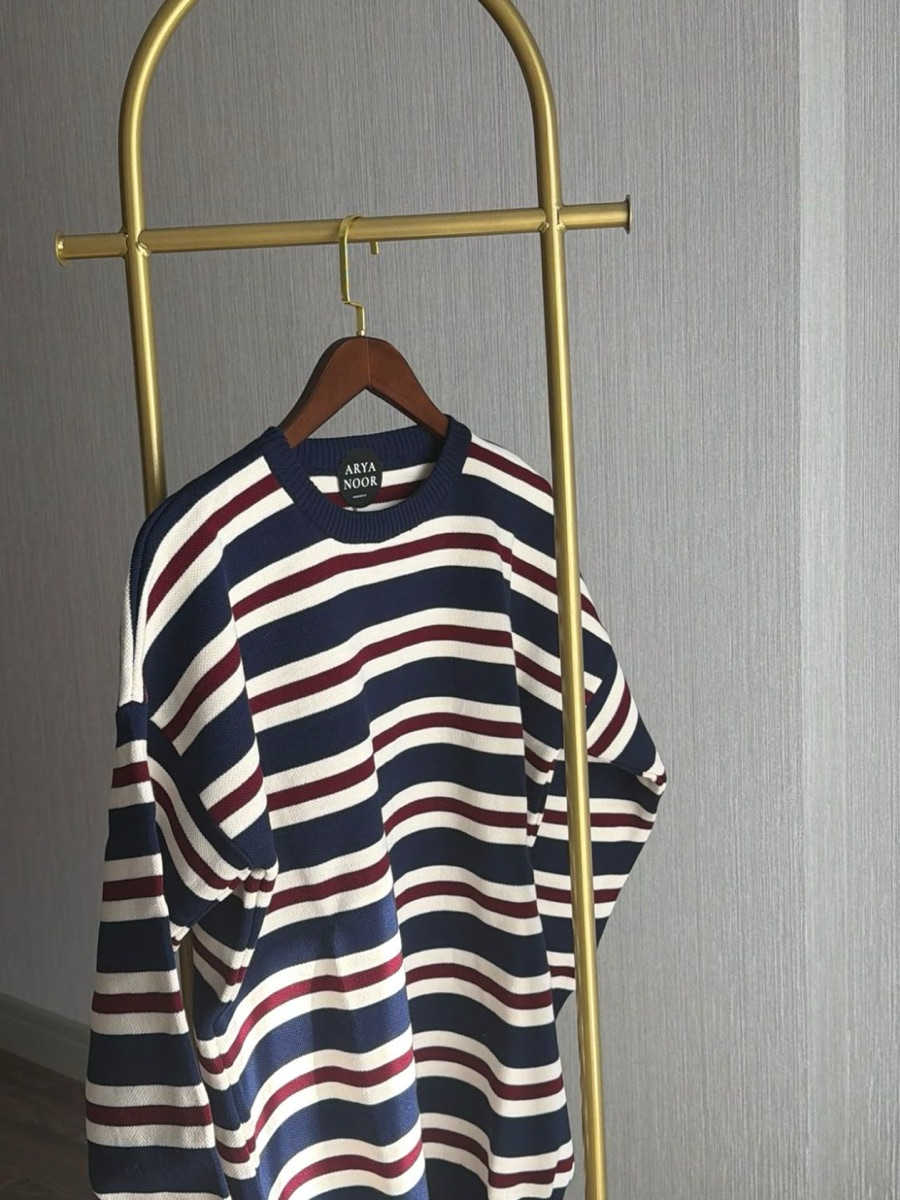 Your photo
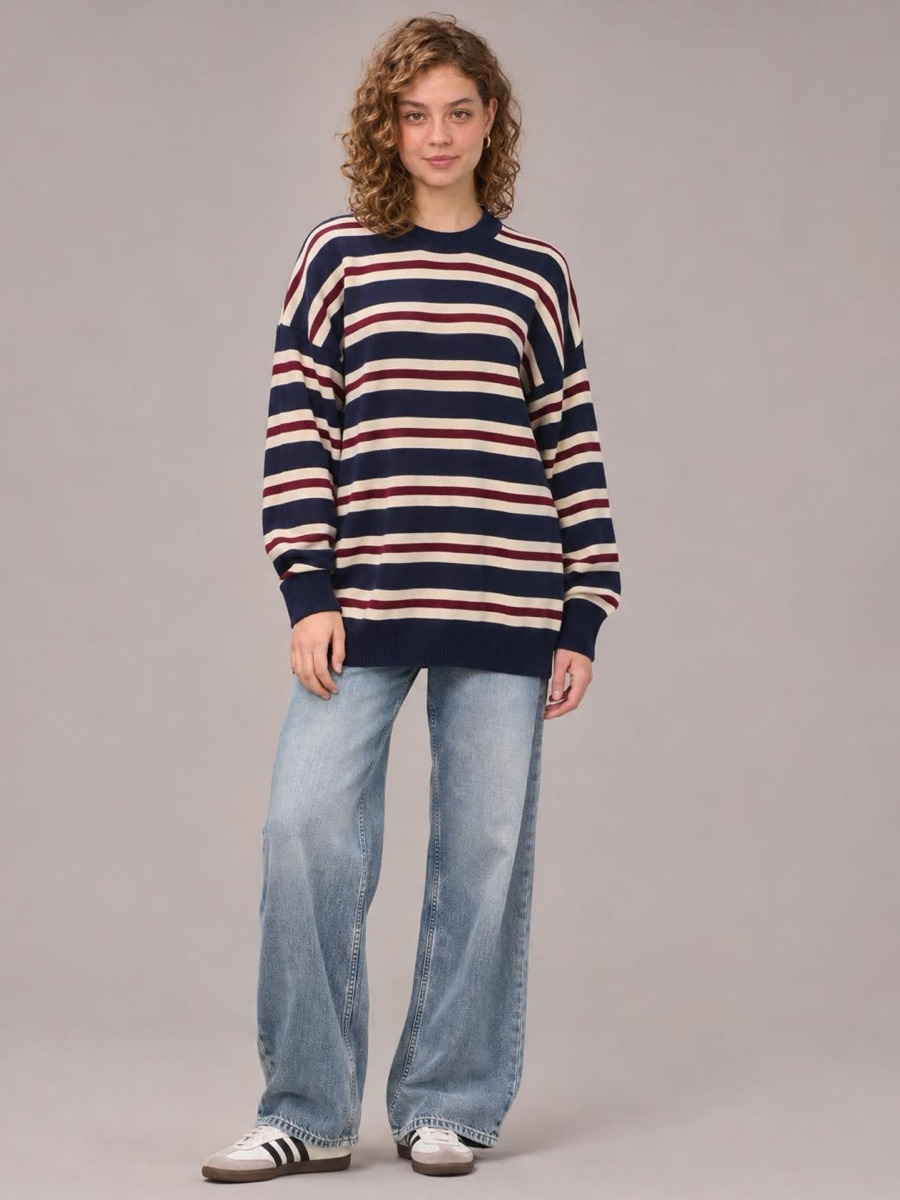 Studio
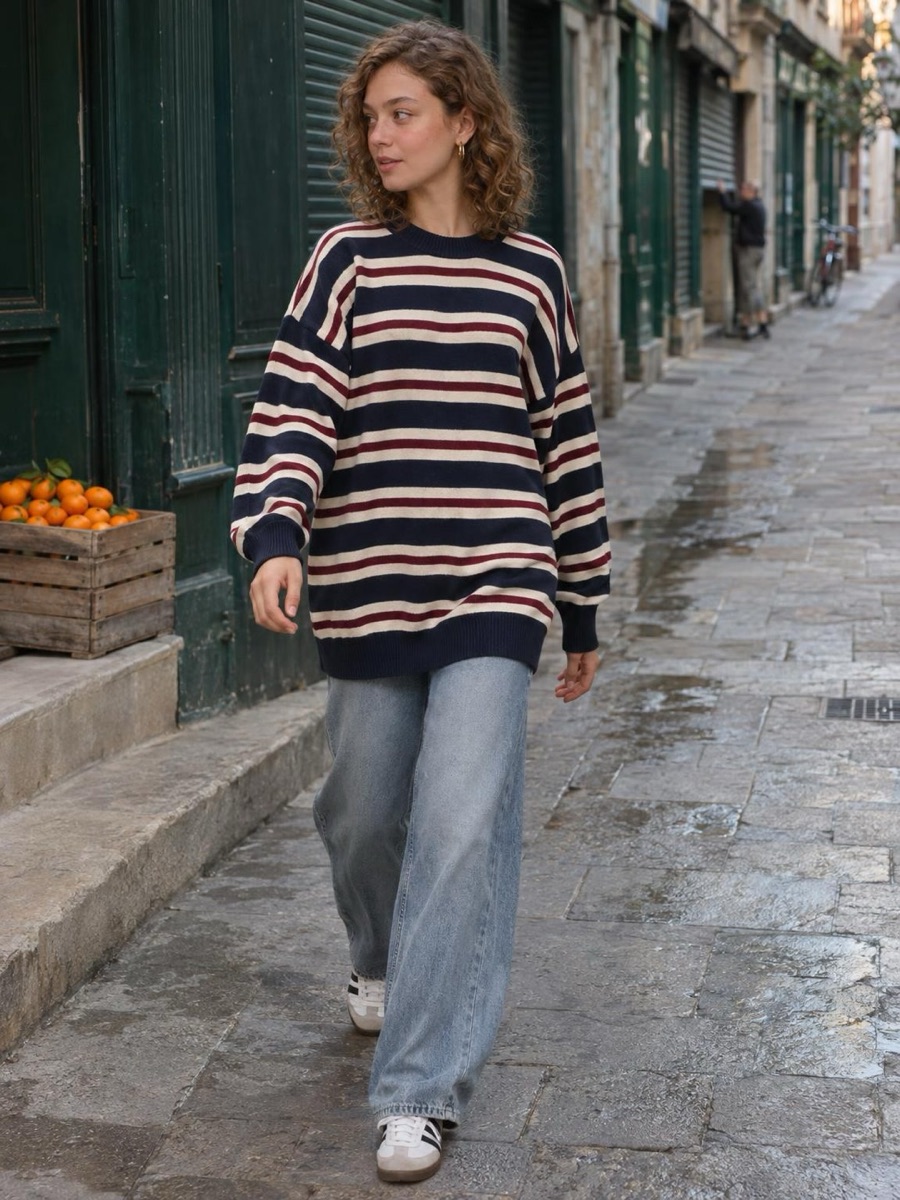 Street
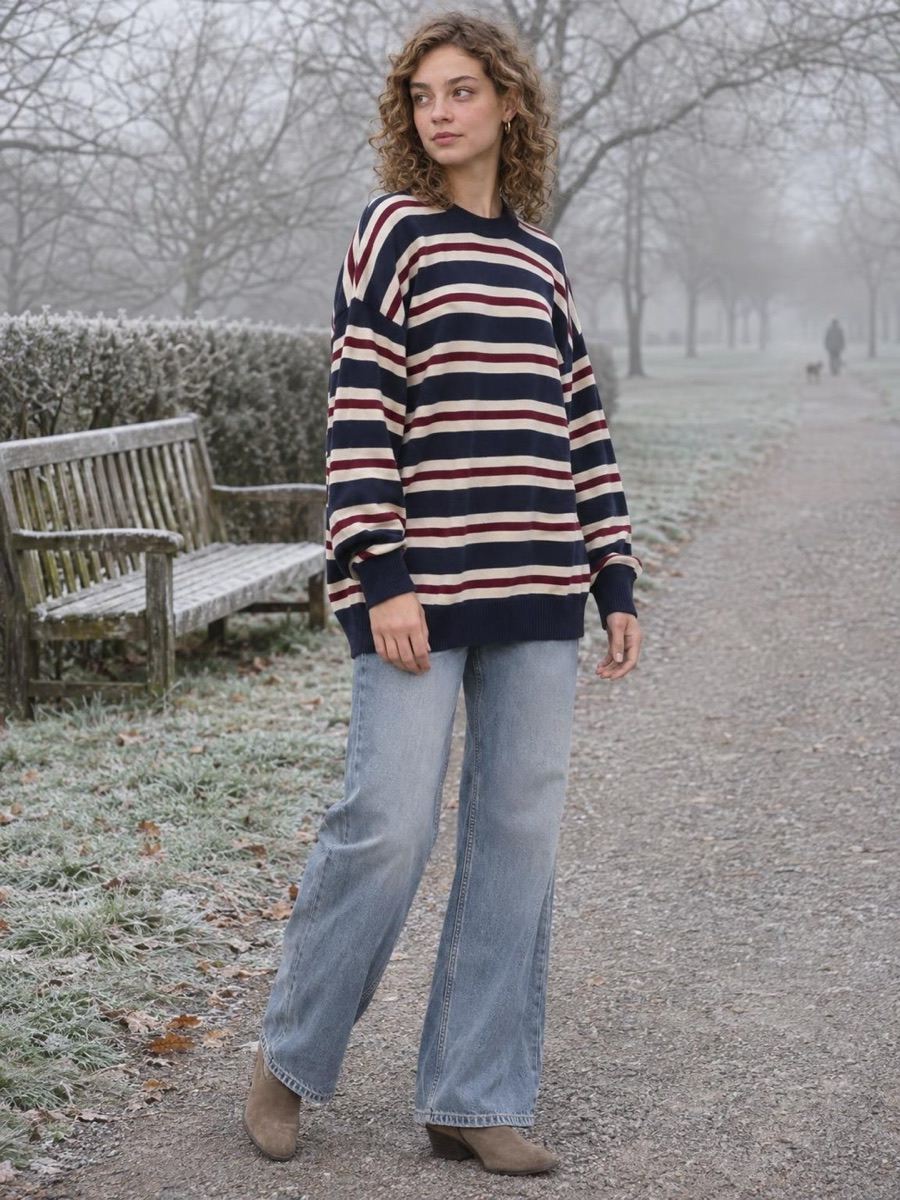 Winter
Three steps, all on your phone.
Photograph the piece
On a hanger, laid flat, on a dress form, or worn. One photo is enough.
Pick a model and scenes
Choose who wears it, then studio, street, winter and more.
Download and post
Download the photos. In the iPhone app you can also turn one into a short video.
Before you try it.
- A photo that isn't delivered costs nothing
- If a shot fails, its credits come back on their own.
- Clothing only, for now
- Jewelry, shoes and bags aren't supported yet.
- The photos are AI-generated
- Check each one against your garment before you post, and say it is AI-generated where your marketplace asks for it.